
Description
| Parameter | Specification / Description |
| Brand | Komatsu |
| Part Number | 7835-26-2003 |
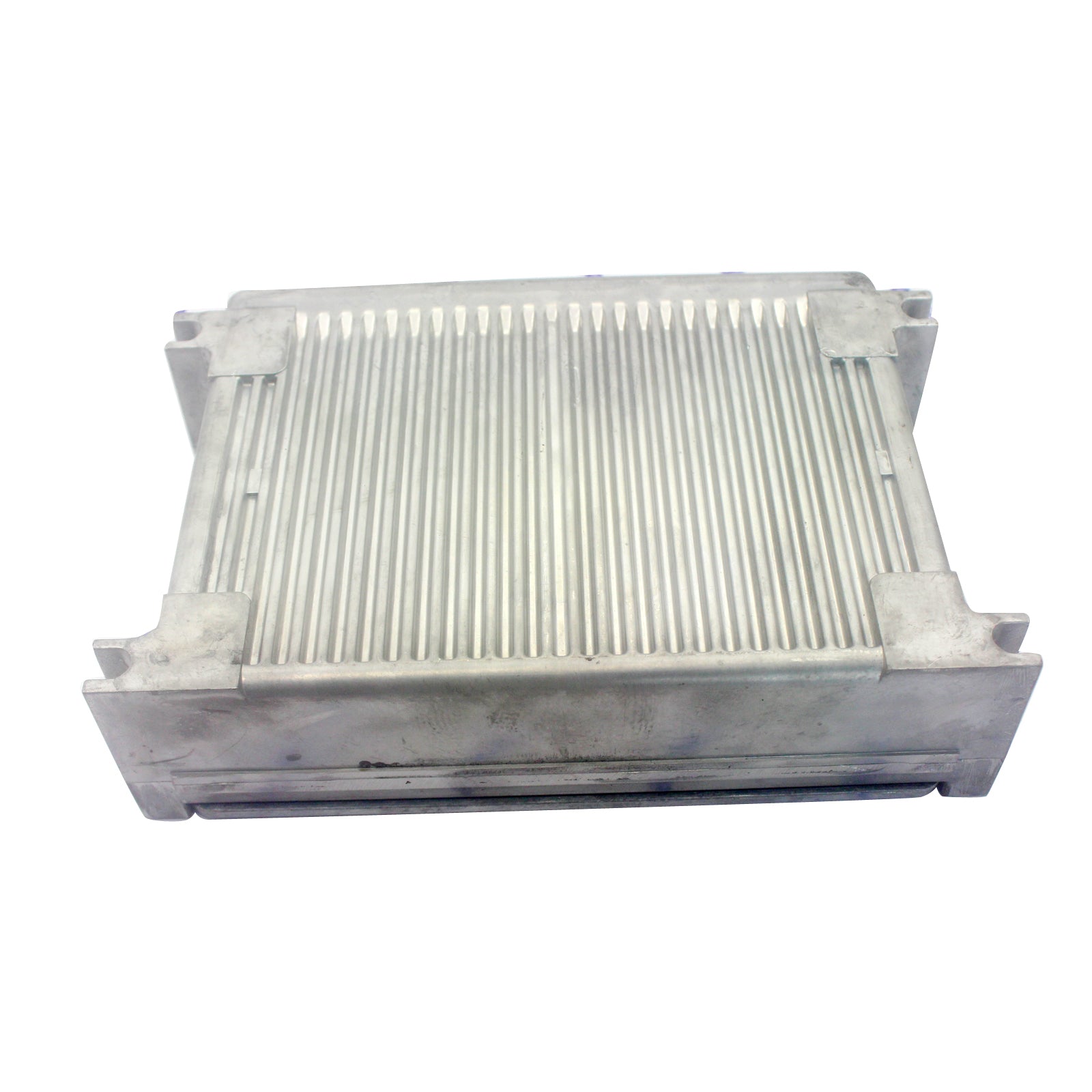
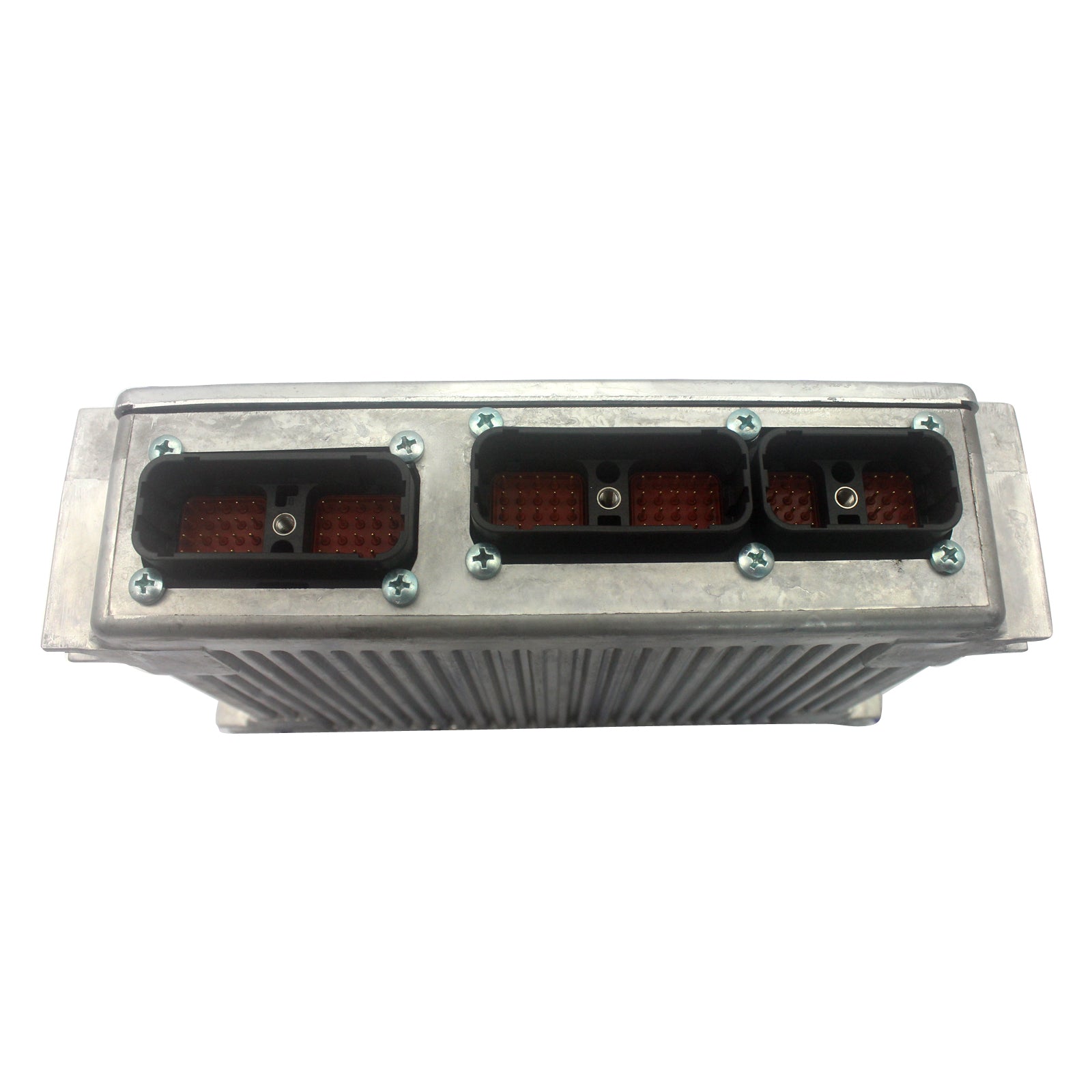
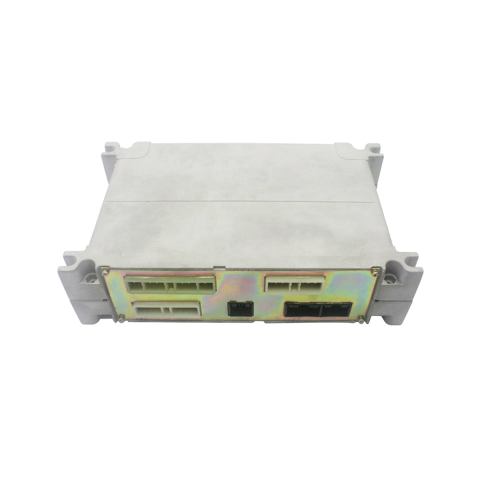
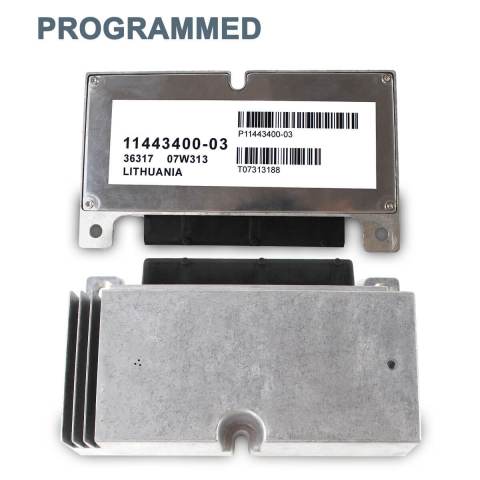
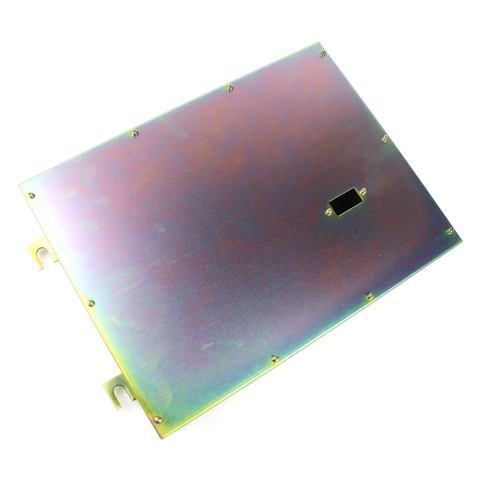
| Part Name / Type | Controller ECU/ LCD Display Panel / Gauge Cluster |
| Operating Voltage | 24V DC |
| Equipment Type | Hydraulic Excavator |
| Machine Application (Series) | Dash-7 Series (-7) |
| Common Compatible Models | PC200-7, PC210-7, PC220-7, PC270-7, PC300-7, PC400-7 |
| Primary Functions | Real-time display of machine vital signs: Engine coolant temperature, hydraulic oil temperature, fuel level, engine RPM, and total operating hours. Displays diagnostic fault codes (Error codes). |
| User Interface | Integrated membrane keypad with function buttons (F1-F4), working mode selection (A, E, B, L), travel speed toggle (High/Low), and wiper/light controls. |
| Display Technology | LCD with backlight |
| Housing Design | Dust-resistant, moisture-proof, and anti-vibration industrial plastic housing |
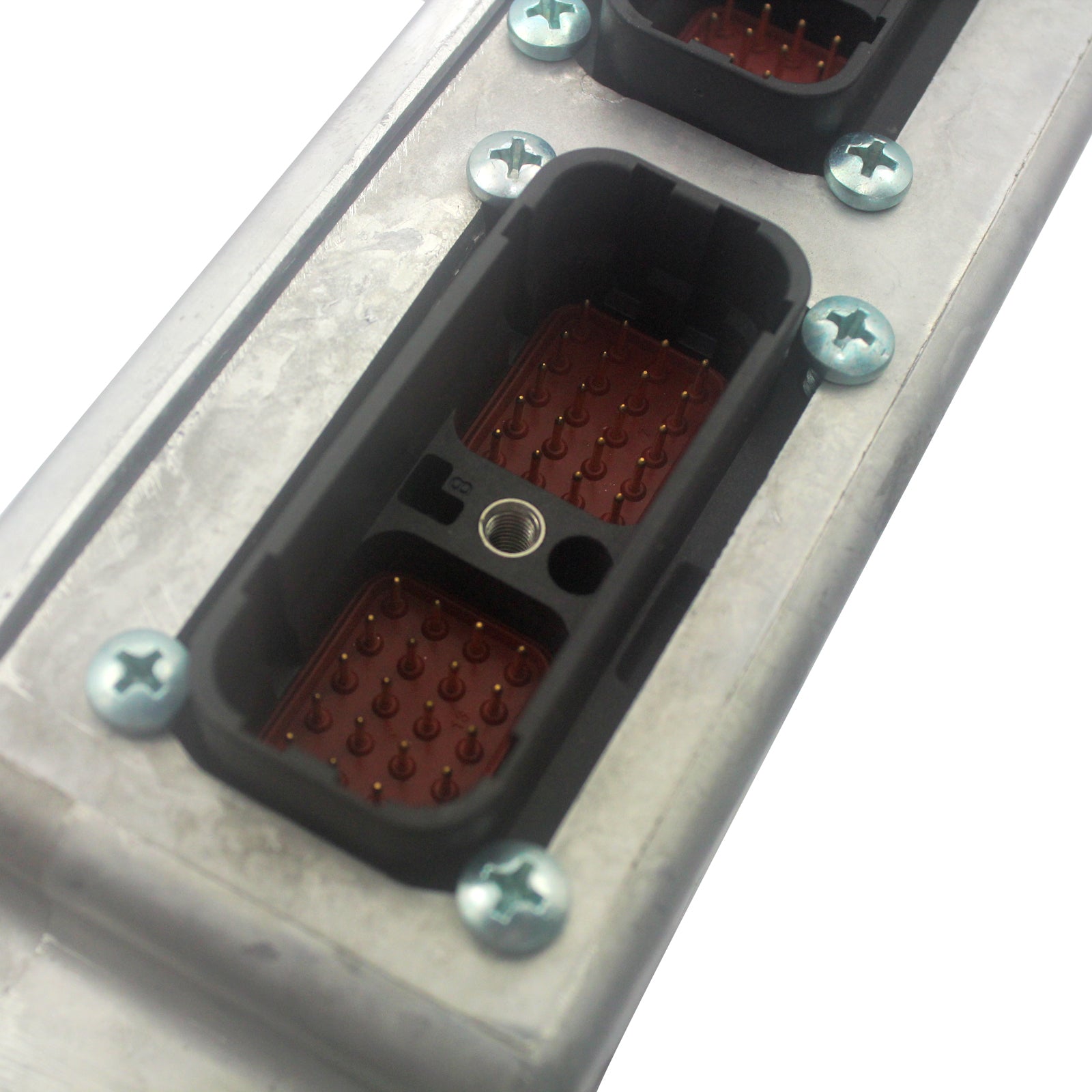
| Connection Type | Multi-pin wiring harness plugs (rear-mounted) |
| Interchangeable / Related P/N | 7835-26-2004, 7835-26-1005, 7835-26-5001, 7835-26-5002 (Note: Interchangeability may depend on aftermarket status or specific software flashing) |

📦 Warranty&Reture Policy:
🛡️ 1、One year warranty. If the product malfunctioned under proper usage per instructions manual within the warranty period, please contact us to obtain shipping instructions and send it back at your shipping costs.
🔍 2、14days evaluation and investigation takes placed after receiving your return item.
We can provide multiple options for some products (original brand new, refurbished, used, Equivalent substitutes, etc.). Please contact our Customer Service for more information.
Customer Service Manager WHATSAPP: +8615016276679(Click the button on the upper left corner of the website to contact)
Customer Service Manager Email: zengduff@marginalhyd.com
- Pre-Installation Check: First and foremost, always ensure the excavator is powered off and the battery is disconnected. Verify that the controller’s part number matches your machine’s specific model to guarantee compatibility.
- Secure Installation: Next, carefully connect the wiring harness, ensuring all pins are aligned properly to prevent short circuits. Securely mount the controller in its designated bracket to protect it from excessive vibration and moisture.
- System Calibration: Afterward, power on the machine and enter the service mode to perform a system calibration. This step is essential for the EPOS (Electronic Power Optimization System) to accurately optimize engine speed and hydraulic flow.
- Routine Maintenance: Finally, regularly inspect the electrical connectors for corrosion or loose contacts. If any abnormal error codes appear on the monitor, consult a professional technician immediately to maintain optimal performance.

Reviews
There are no reviews yet.